Jump to content
View in the app

A better way to browse. Learn more.

乾坤堂社区

A full-screen app on your home screen with push notifications, badges and more.

To install this app on iOS and iPadOS
  1. Tap the Share icon in Safari
  2. Scroll the menu and tap Add to Home Screen.
  3. Tap Add in the top-right corner.
To install this app on Android
  1. Tap the 3-dot menu (⋮) in the top-right corner of the browser.
  2. Tap Add to Home screen or Install app.
  3. Confirm by tapping Install.

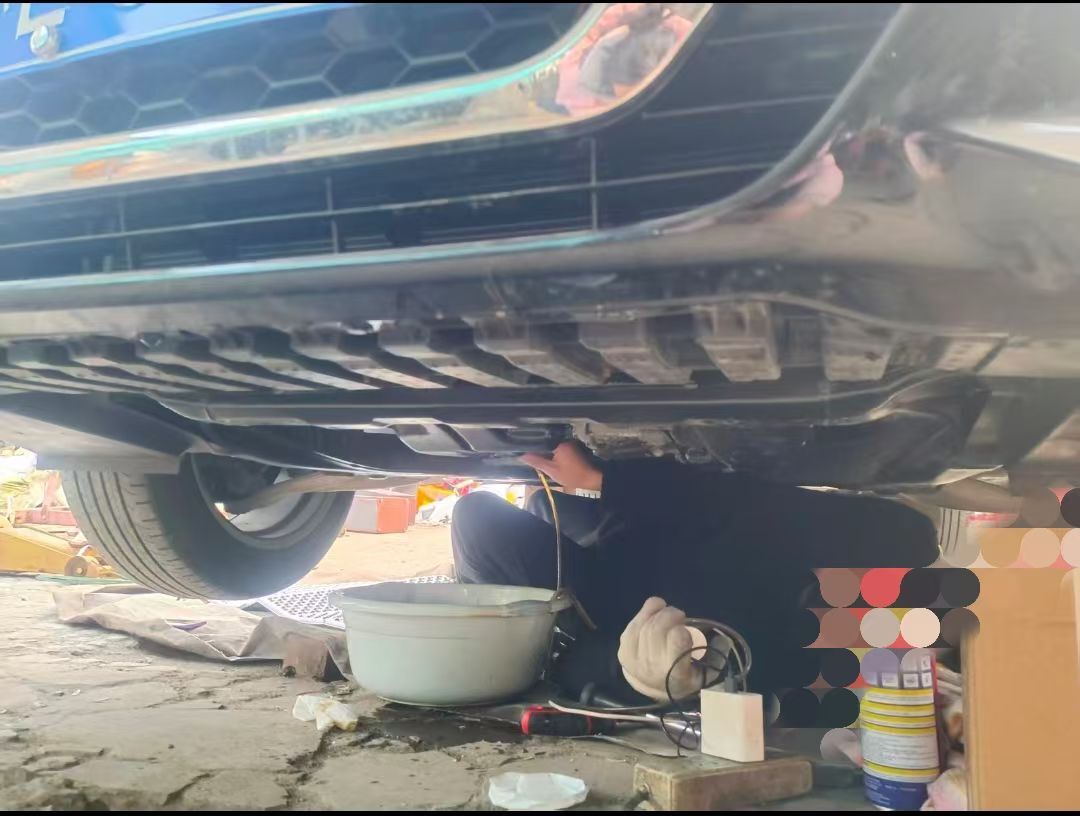
第一次动手保养记录一下

第一次动手还算顺利,自然放油完了用电动管子还能抽出来不少,反正自己弄也不着急😄

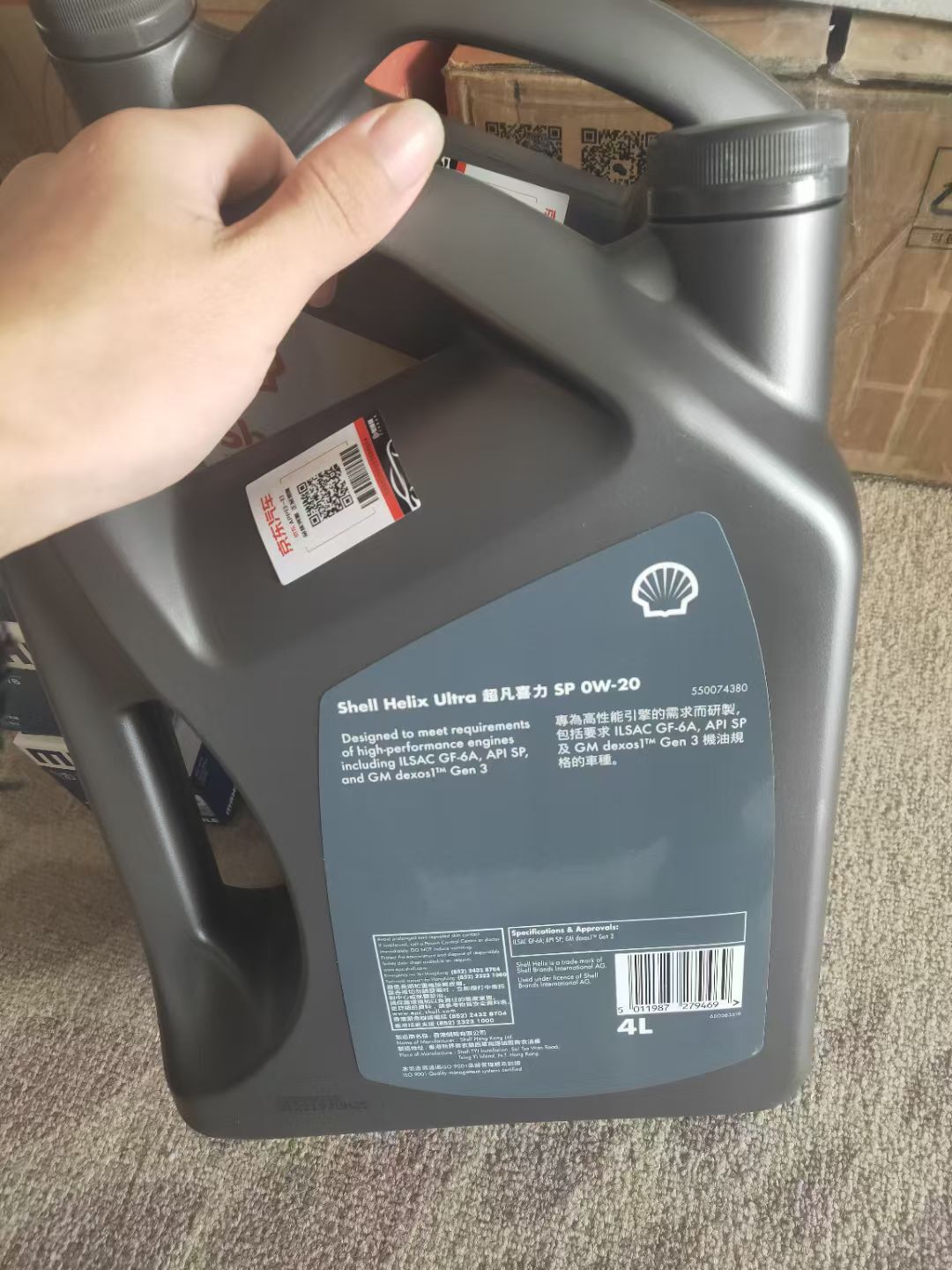
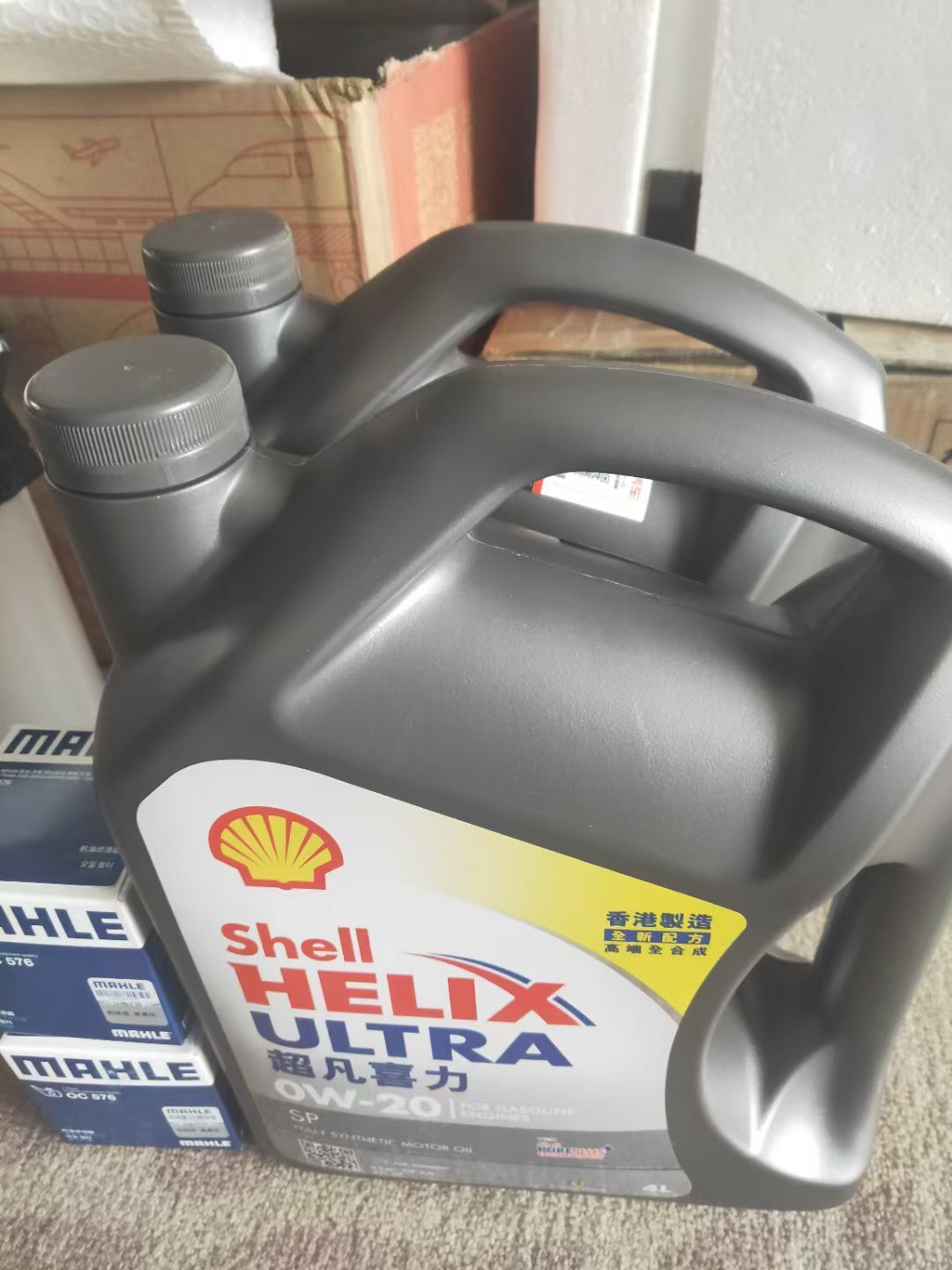
花了三百多买工具,港壳两桶+马勒机滤两个(可以保养两次了)一共花了700左右

mmexport1770819500535.jpg

mmexport1770819495881.jpg

mmexport1770819485750.jpg

0 Comments

Recommended Comments

There are no comments to display.

Guest
Add a comment...

Account

Navigation

Search

Configure browser push notifications

Chrome (Android)
  1. Tap the lock icon next to the address bar.
  2. Tap Permissions → Notifications.
  3. Adjust your preference.
Chrome (Desktop)
  1. Click the padlock icon in the address bar.
  2. Select Site settings.
  3. Find Notifications and adjust your preference.